Part 2 - A tour with code
ggplotWe need the tidyverse packages
We use the mpg dataset which is in the ggplot library. Let’s take a look:
Rows: 234
Columns: 11
$ manufacturer <chr> "audi", "audi", "audi", "audi", "audi", "audi", "audi", "…
$ model <chr> "a4", "a4", "a4", "a4", "a4", "a4", "a4", "a4 quattro", "…
$ displ <dbl> 1.8, 1.8, 2.0, 2.0, 2.8, 2.8, 3.1, 1.8, 1.8, 2.0, 2.0, 2.…
$ year <int> 1999, 1999, 2008, 2008, 1999, 1999, 2008, 1999, 1999, 200…
$ cyl <int> 4, 4, 4, 4, 6, 6, 6, 4, 4, 4, 4, 6, 6, 6, 6, 6, 6, 8, 8, …
$ trans <chr> "auto(l5)", "manual(m5)", "manual(m6)", "auto(av)", "auto…
$ drv <chr> "f", "f", "f", "f", "f", "f", "f", "4", "4", "4", "4", "4…
$ cty <int> 18, 21, 20, 21, 16, 18, 18, 18, 16, 20, 19, 15, 17, 17, 1…
$ hwy <int> 29, 29, 31, 30, 26, 26, 27, 26, 25, 28, 27, 25, 25, 25, 2…
$ fl <chr> "p", "p", "p", "p", "p", "p", "p", "p", "p", "p", "p", "p…
$ class <chr> "compact", "compact", "compact", "compact", "compact", "c…
?mpg for more information about mpg datasetmpg package:ggplot2 R Documentation
Fuel economy data from 1999 to 2008 for 38 popular models of cars
Description:
This dataset contains a subset of the fuel economy data that the
EPA makes available on <https://fueleconomy.gov/>. It contains
only models which had a new release every year between 1999 and
2008 - this was used as a proxy for the popularity of the car.
Usage:
mpg
Format:
A data frame with 234 rows and 11 variables:
manufacturer manufacturer name
model model name
displ engine displacement, in litres
year year of manufacture
cyl number of cylinders
trans type of transmission
drv the type of drive train, where f = front-wheel drive, r = rear
wheel drive, 4 = 4wd
cty city miles per gallon
hwy highway miles per gallon
fl fuel type
class "type" of car
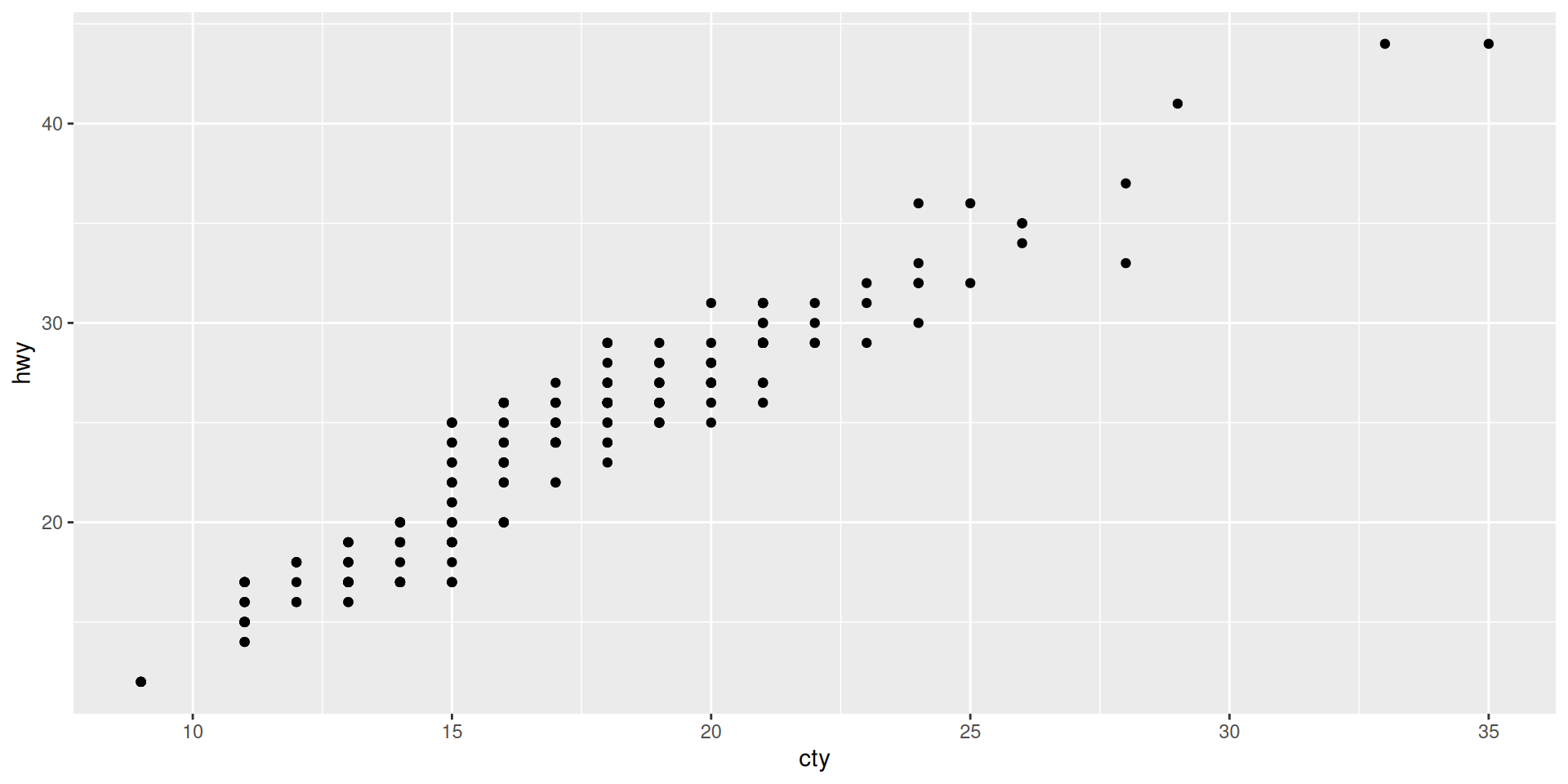
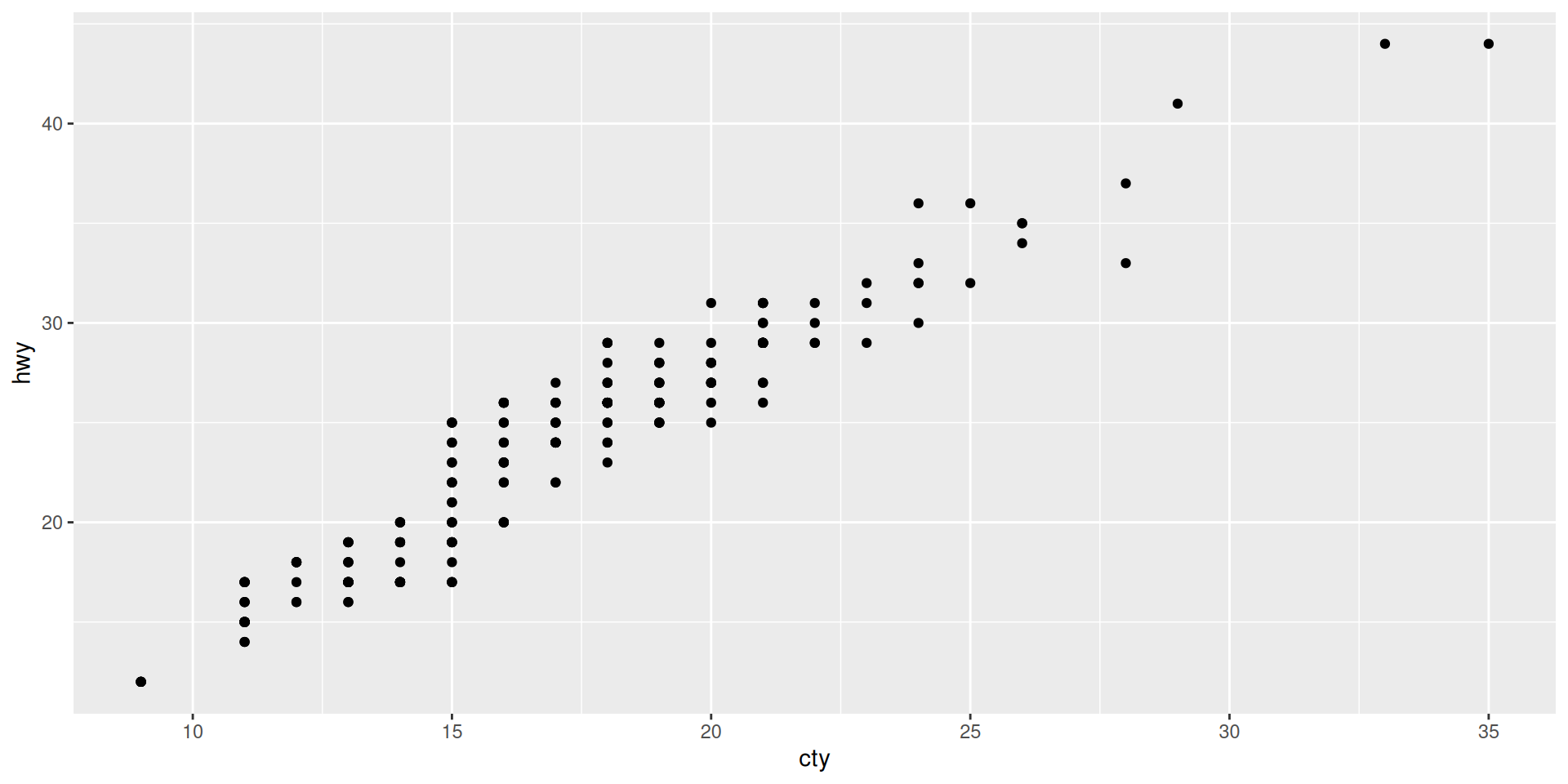
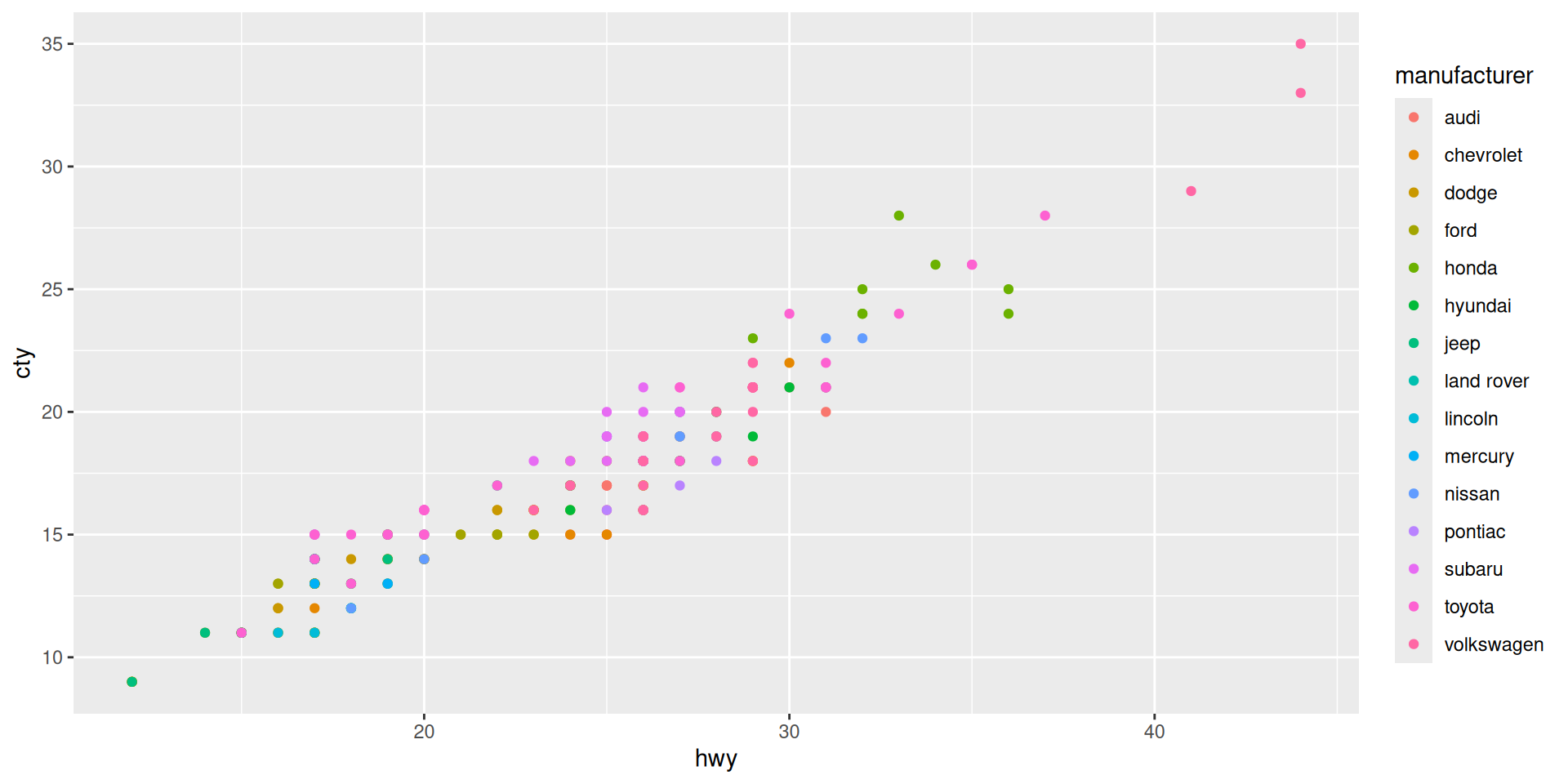
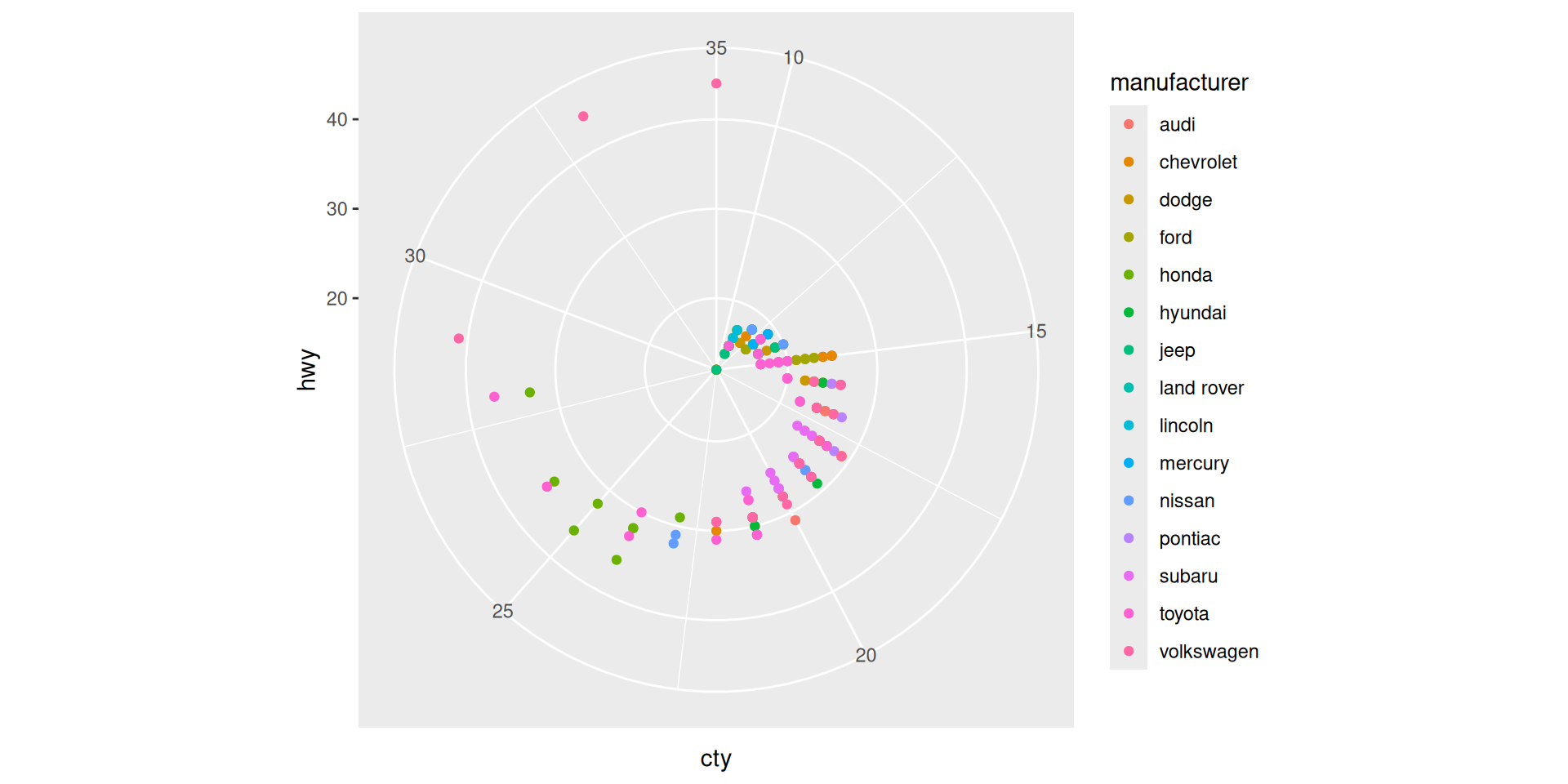
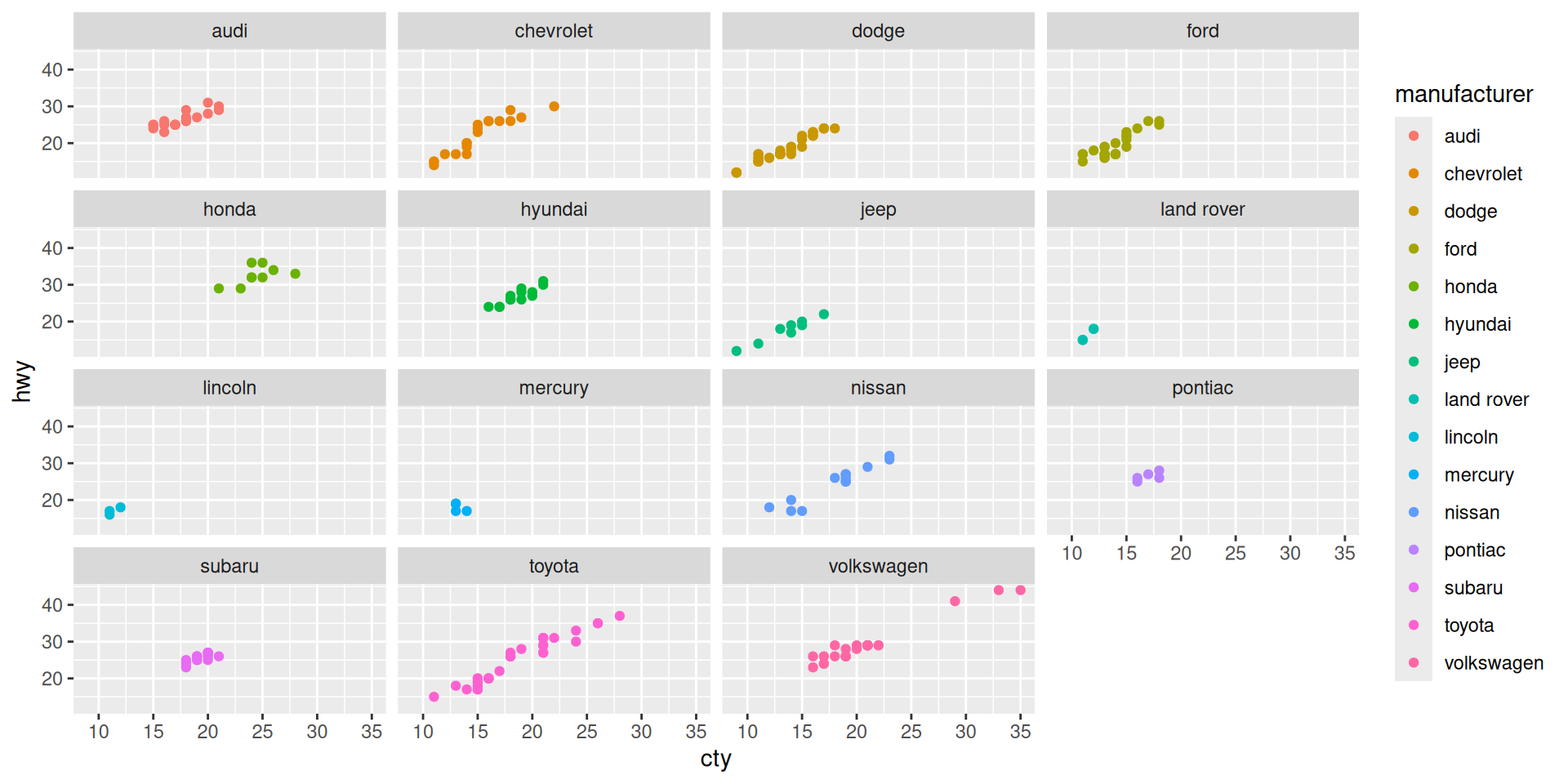
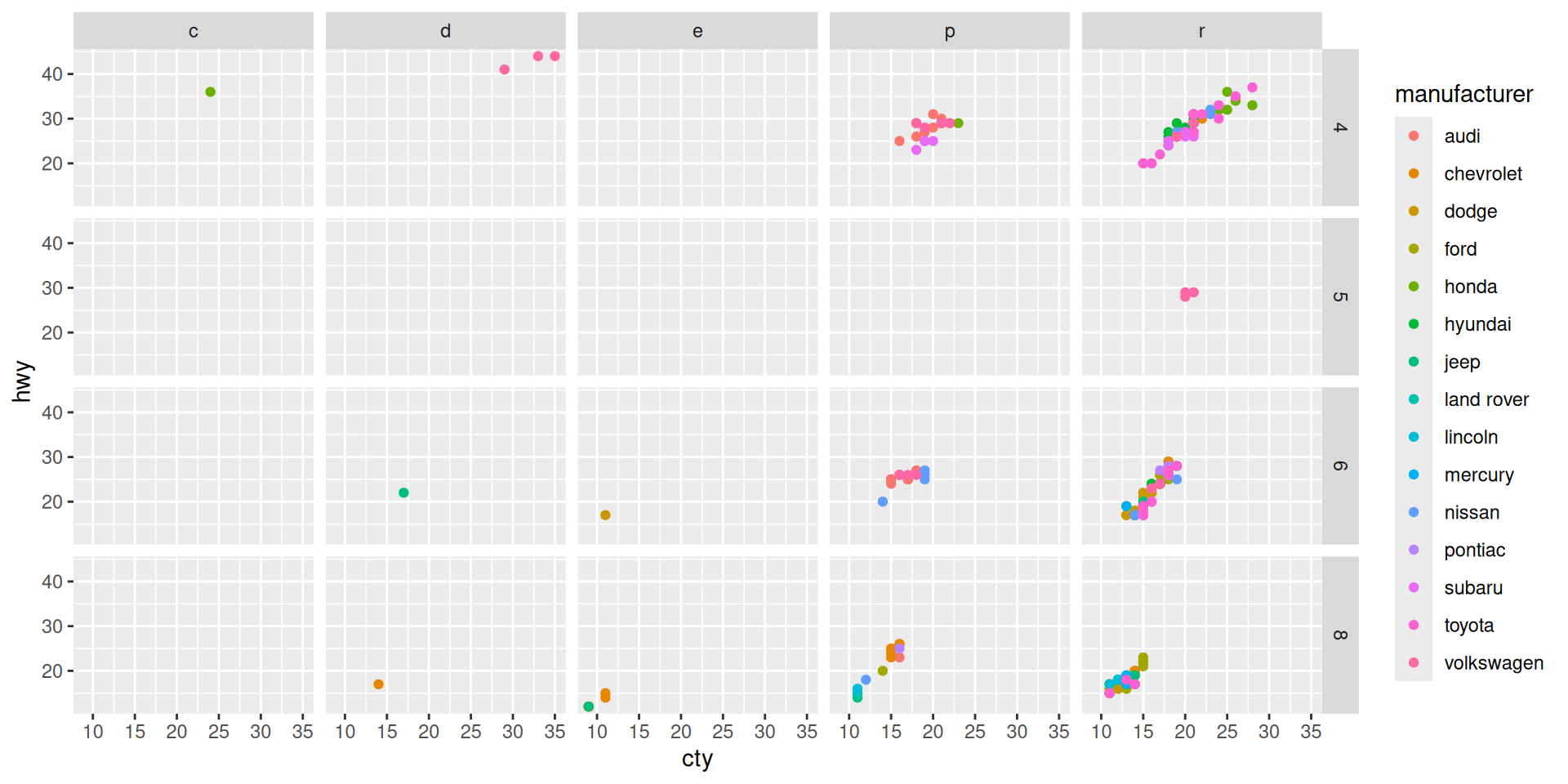
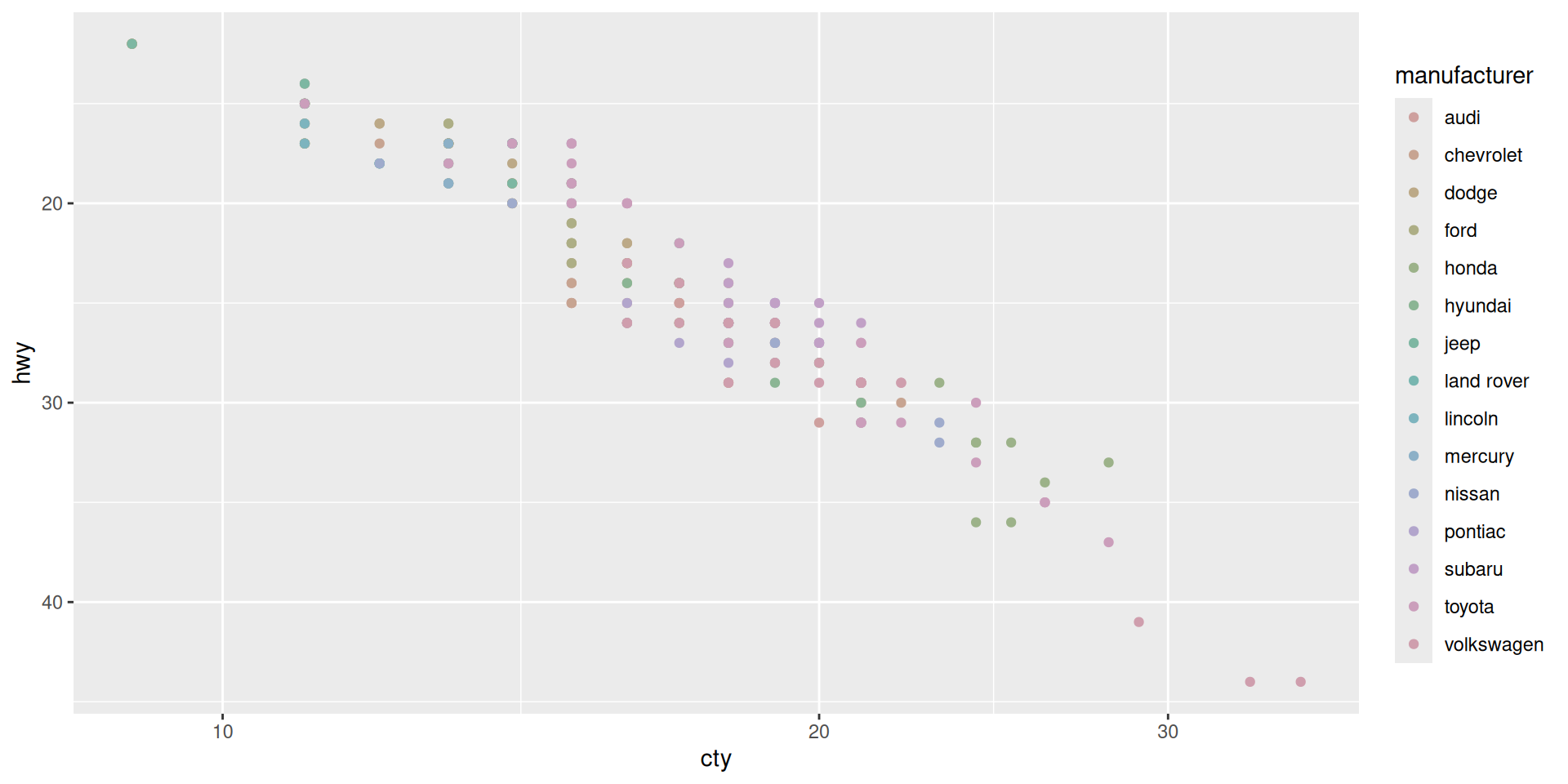
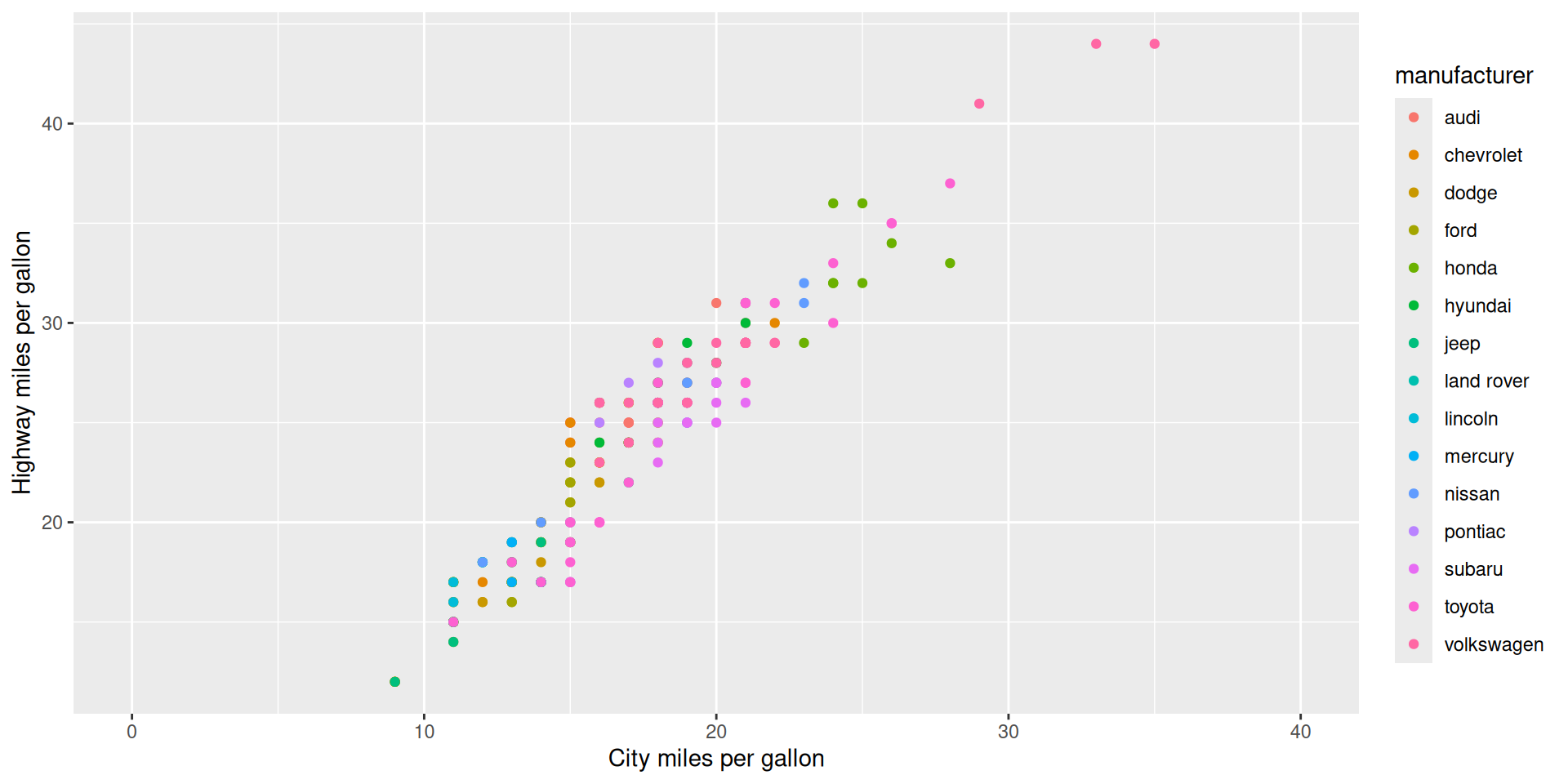
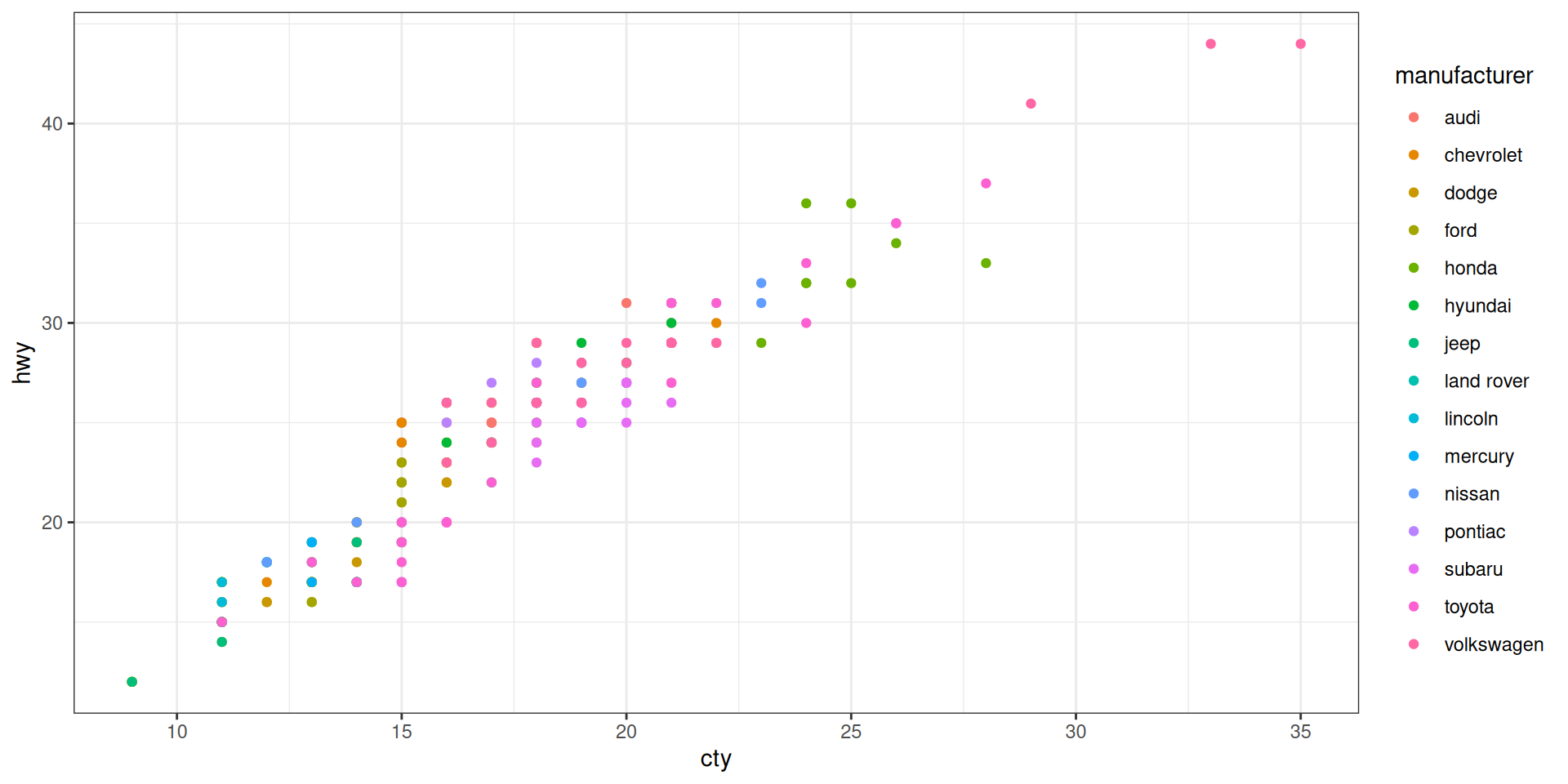
We take cty = “city miles per gallon” as x and hwy = “highway miles per gallon” as y
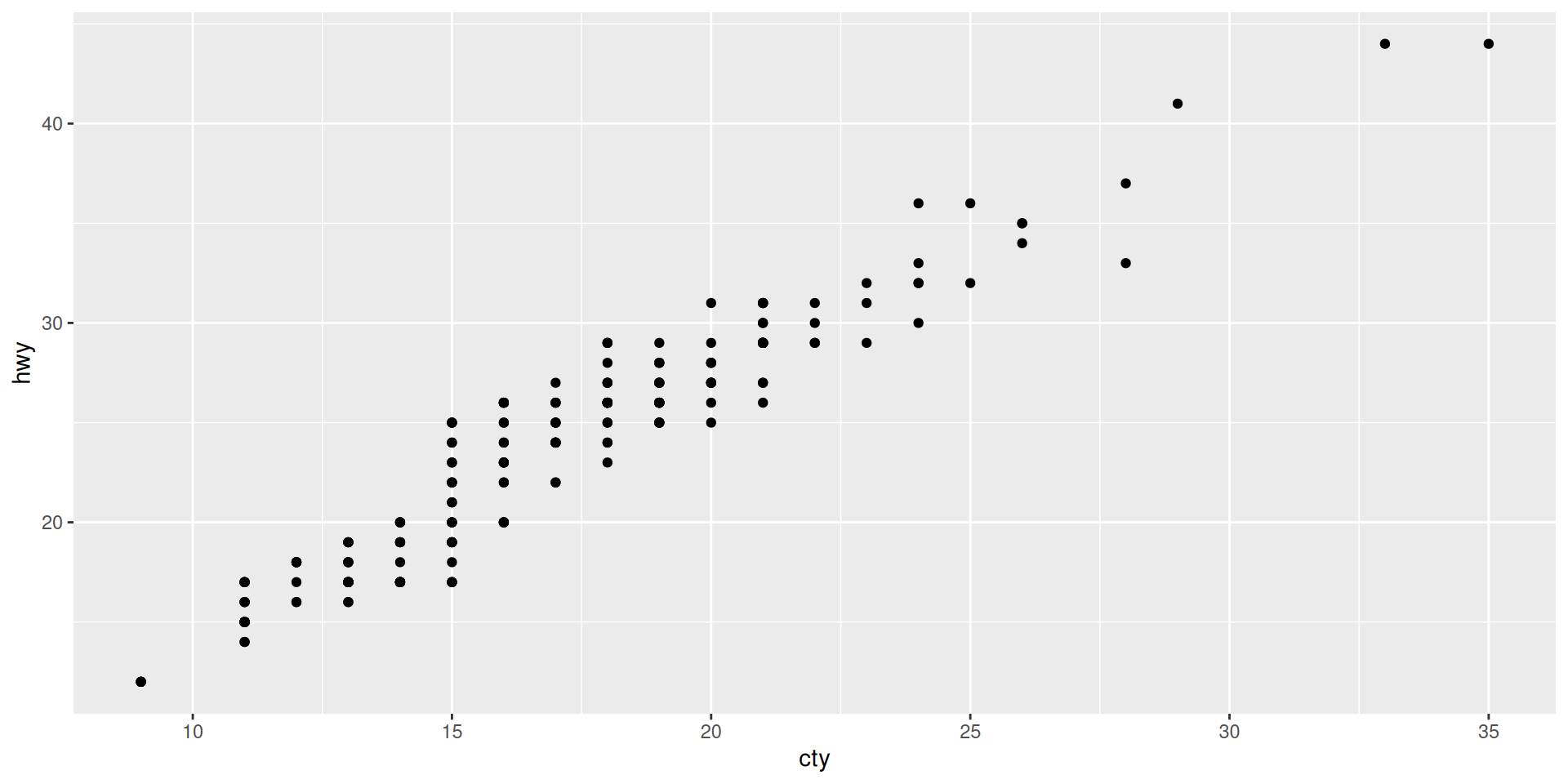
Compare to “The complete template” from the cheat sheet
It has all the required elements: We specify the data in the ggplot command, and the aesthetics (what variable is x and what variable is y) as mapping in the geom-function.
data and mapping where?Looking at ?ggplot and ?geom_point we find that both need to specify data and mapping.
Why do we have it only once here?
ggplot() creates an ggplot object (the graphic) and +geom_point() adds more information to it.data was taken from the ggplot call, and mapping from geom_pointAs common practice we can shorten the code and remove the data = and the mapping = because the first argument will be taken as data (if not specified otherwise) and the second as mapping (if not specified otherwise). See function documentation ?ggplot
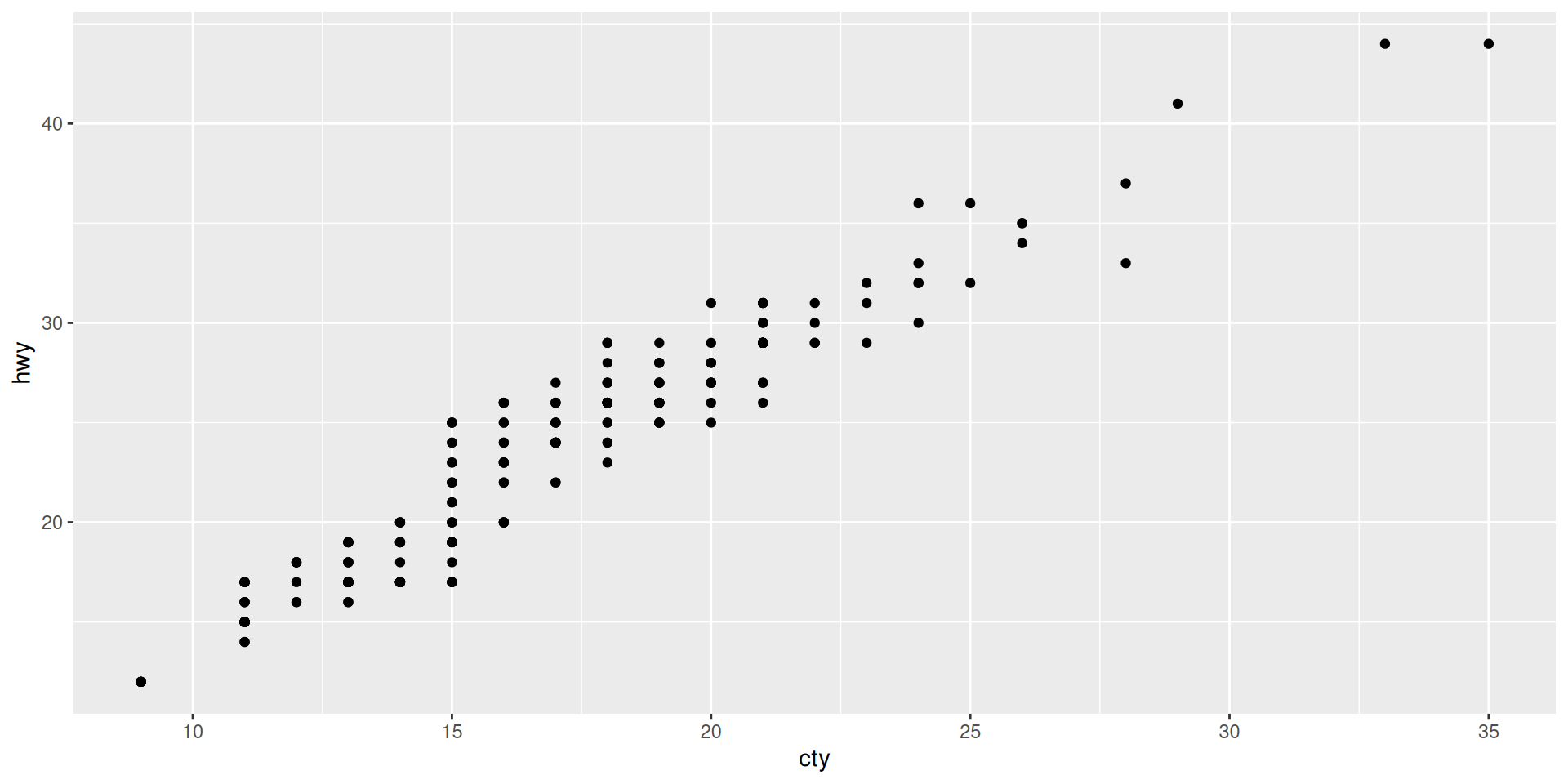
We can even remove the “x =” and “y =” if we look at the specification of aes() in ?aes
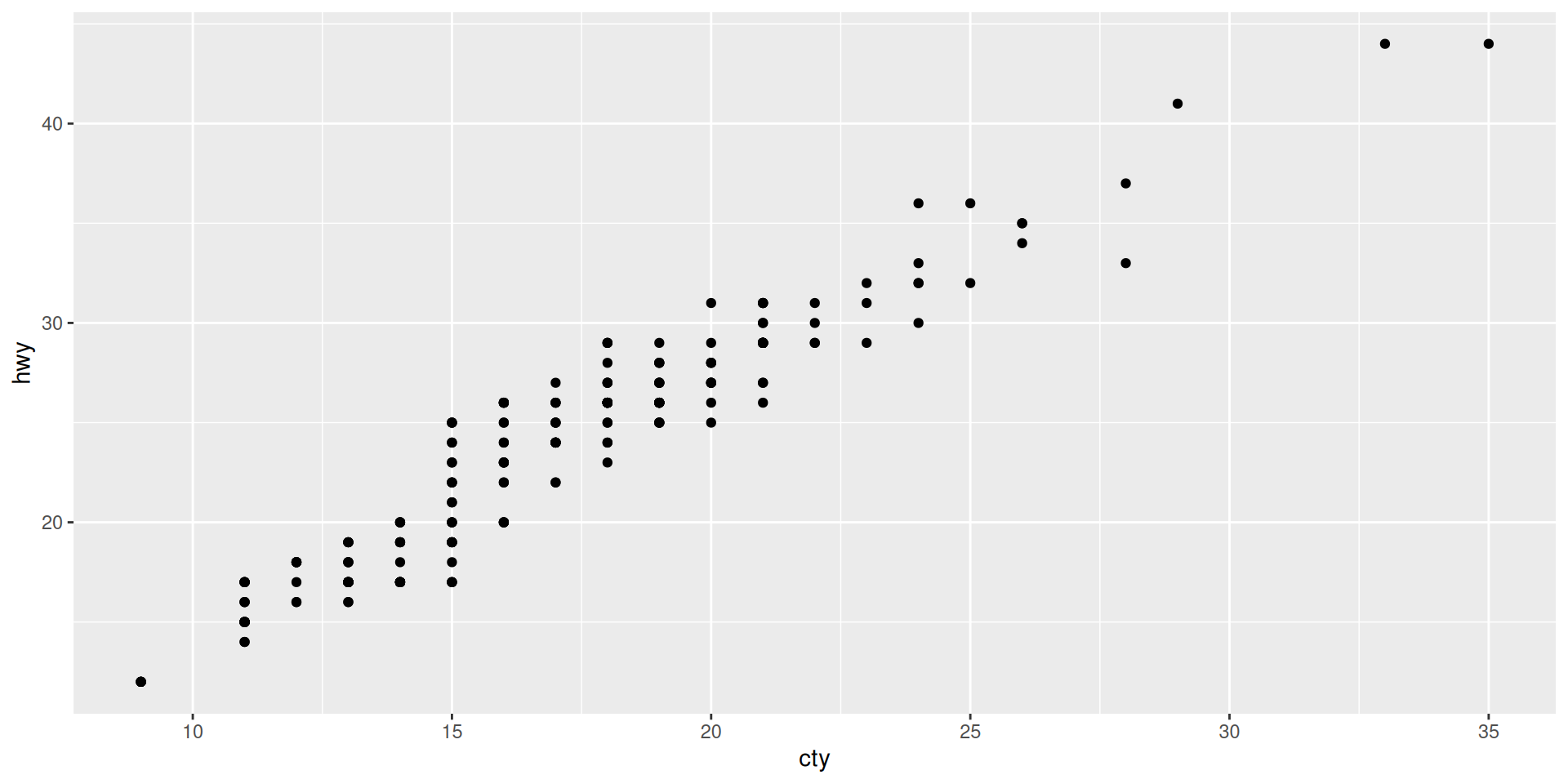
If not, why not? If yes, why?
ggplot(aes(x = cty, y = hwy), mpg) + geom_point()
ggplot(aes(x = cty, y = hwy), data = mpg) + geom_point()
ggplot(mapping = aes(x = cty, y = hwy)) + geom_point(mpg)
ggplot(aes(x = cty, y = hwy)) + geom_point(data = mpg)
ggplot(mpg,aes(hwy, x = cty)) + geom_point()
ggplot(mapping = aes(y = hwy, x = cty)) + geom_point(mpg) Solutions:
1 No, data must be first
2 Yes, with named argument data = works also as second argument
3 No, data is missing
4 No, aes() is take wrongly as data in ggplot
5 Yes, x is specified with named argument, so the unnamed first argument is take as the second default argument
6 No, in geom_point the first argument is mapping, so it must be aes()
color, shape, size, fill …
These need to be specified by name and cannot be left out.
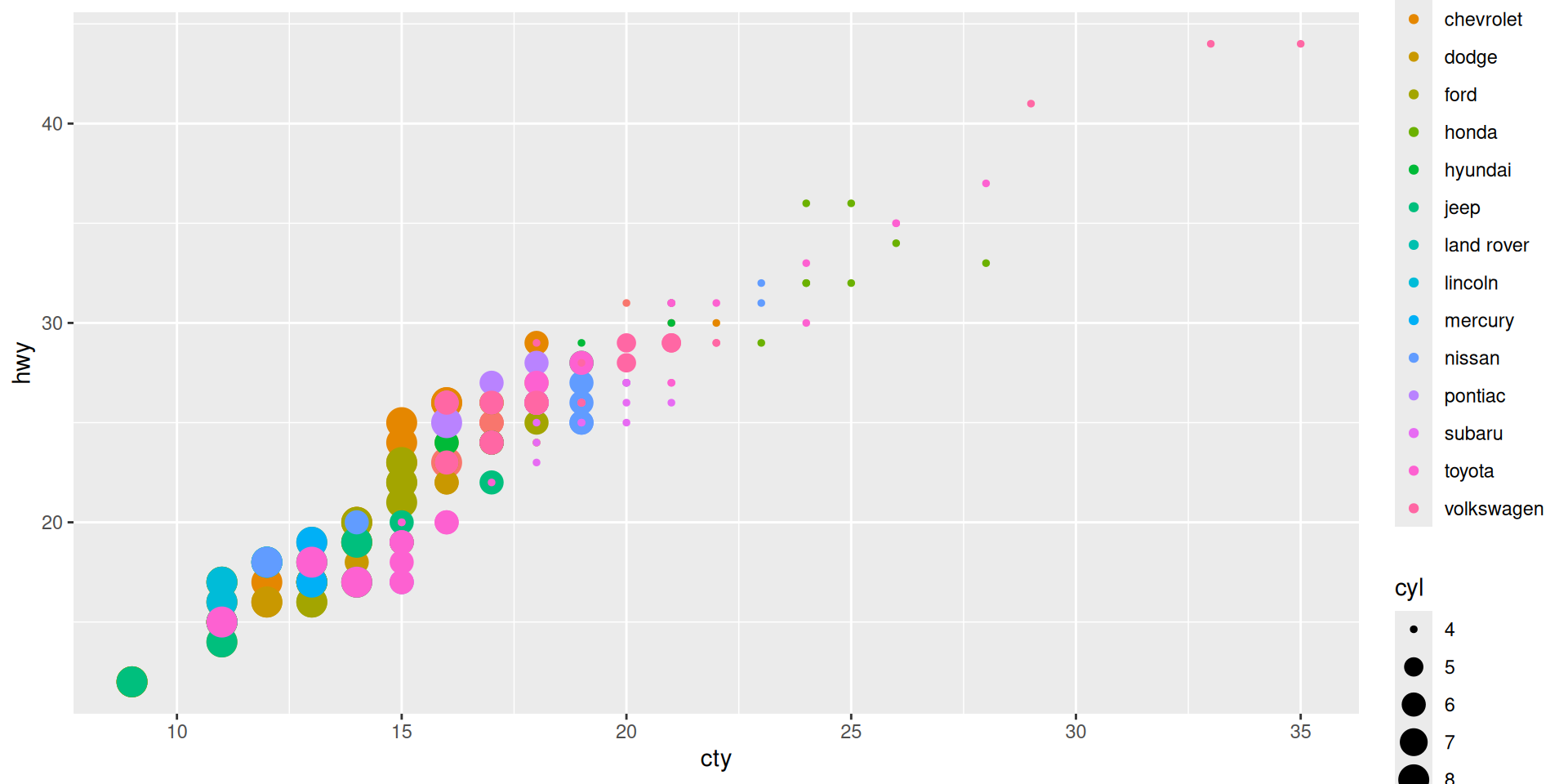
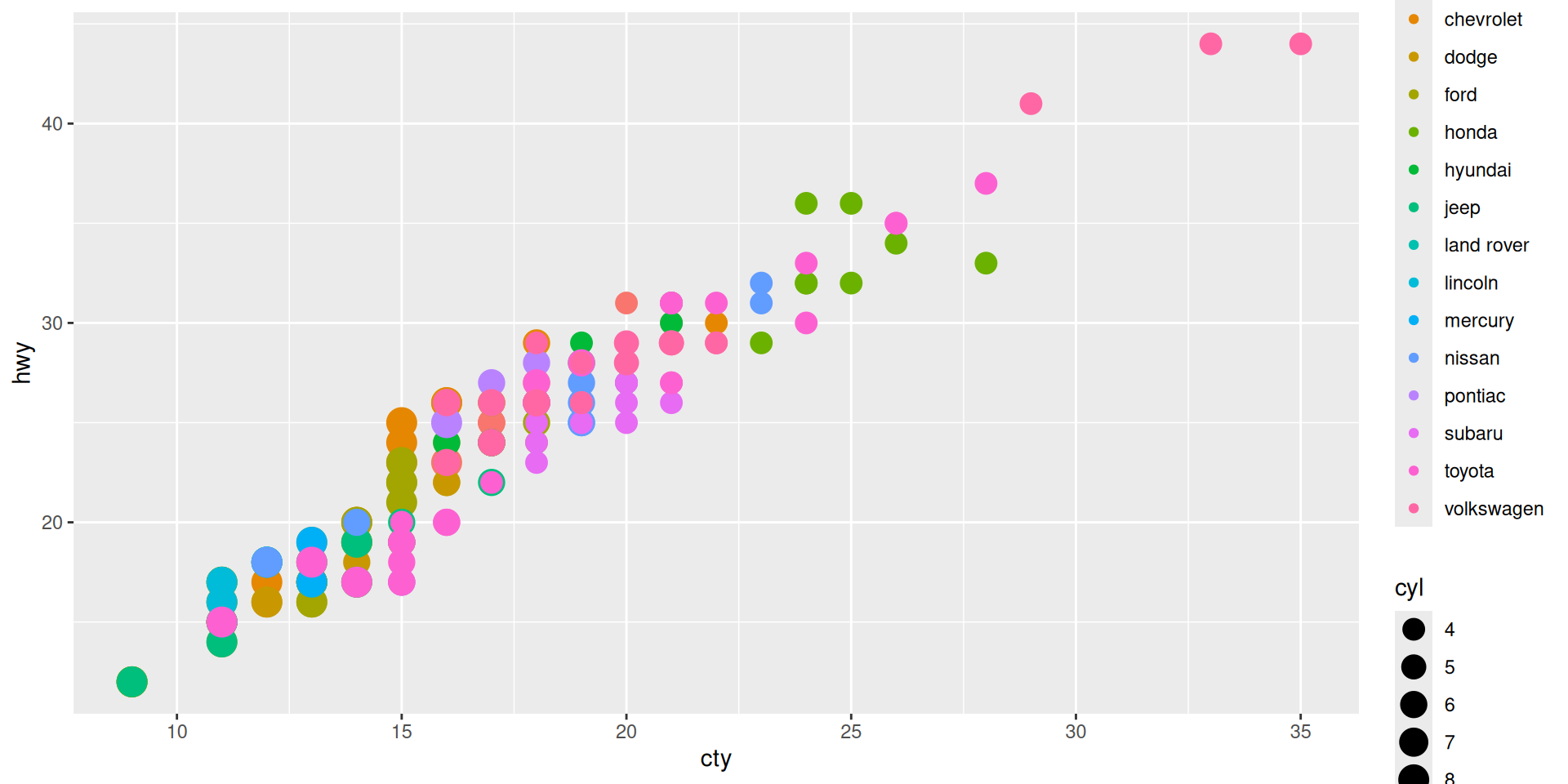
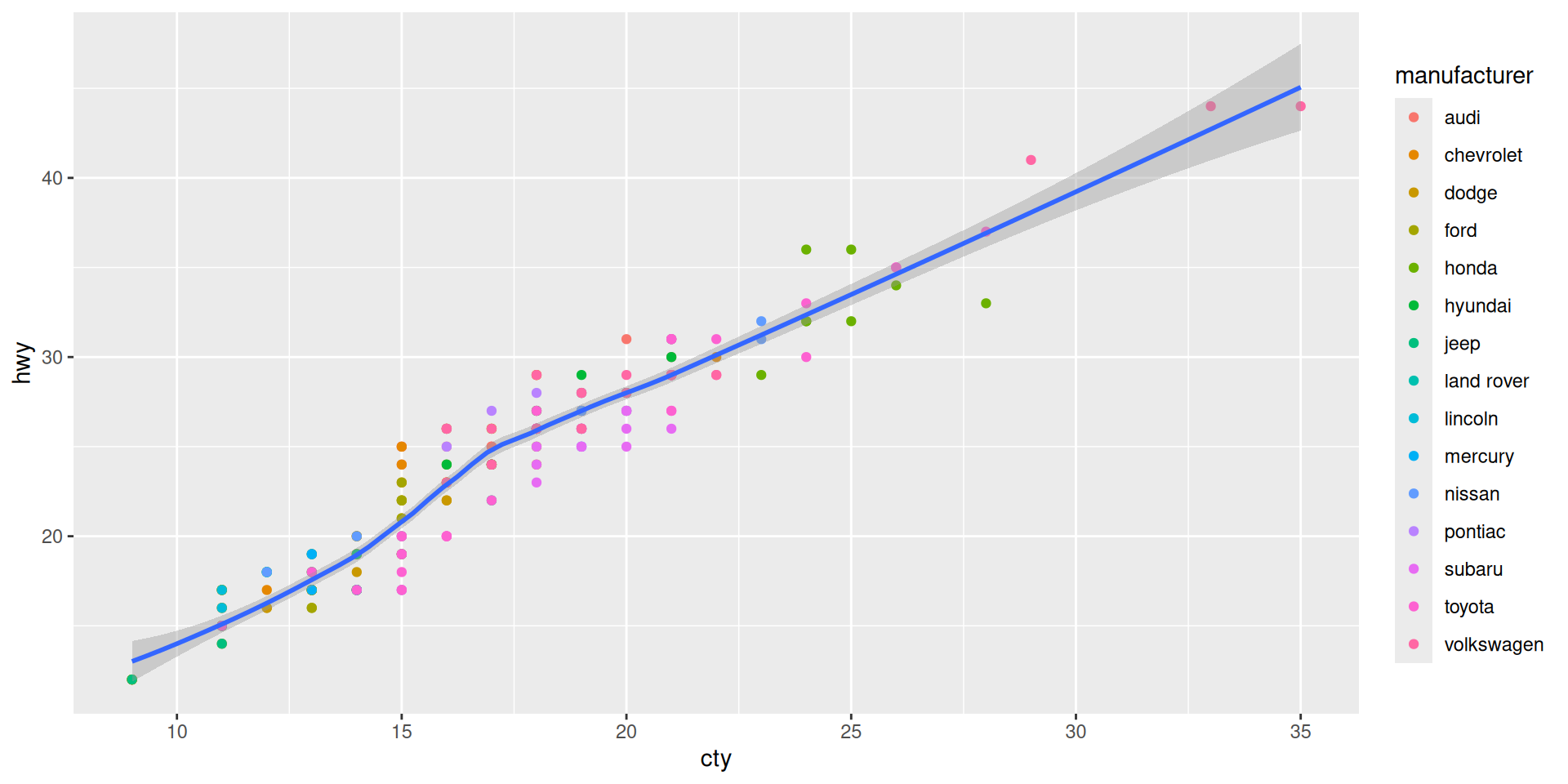
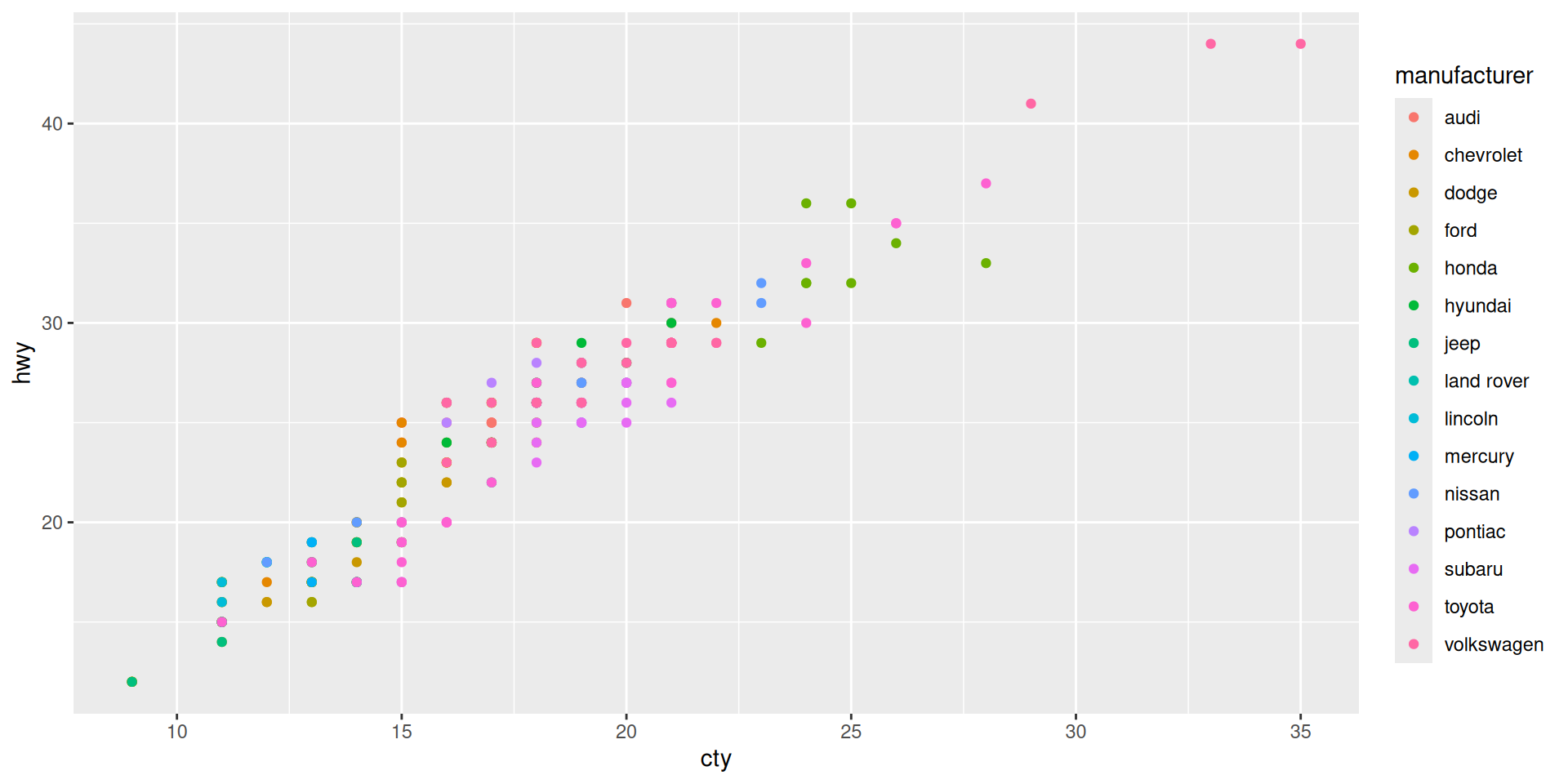
Let us color the manufacturer, and make size by cylinders
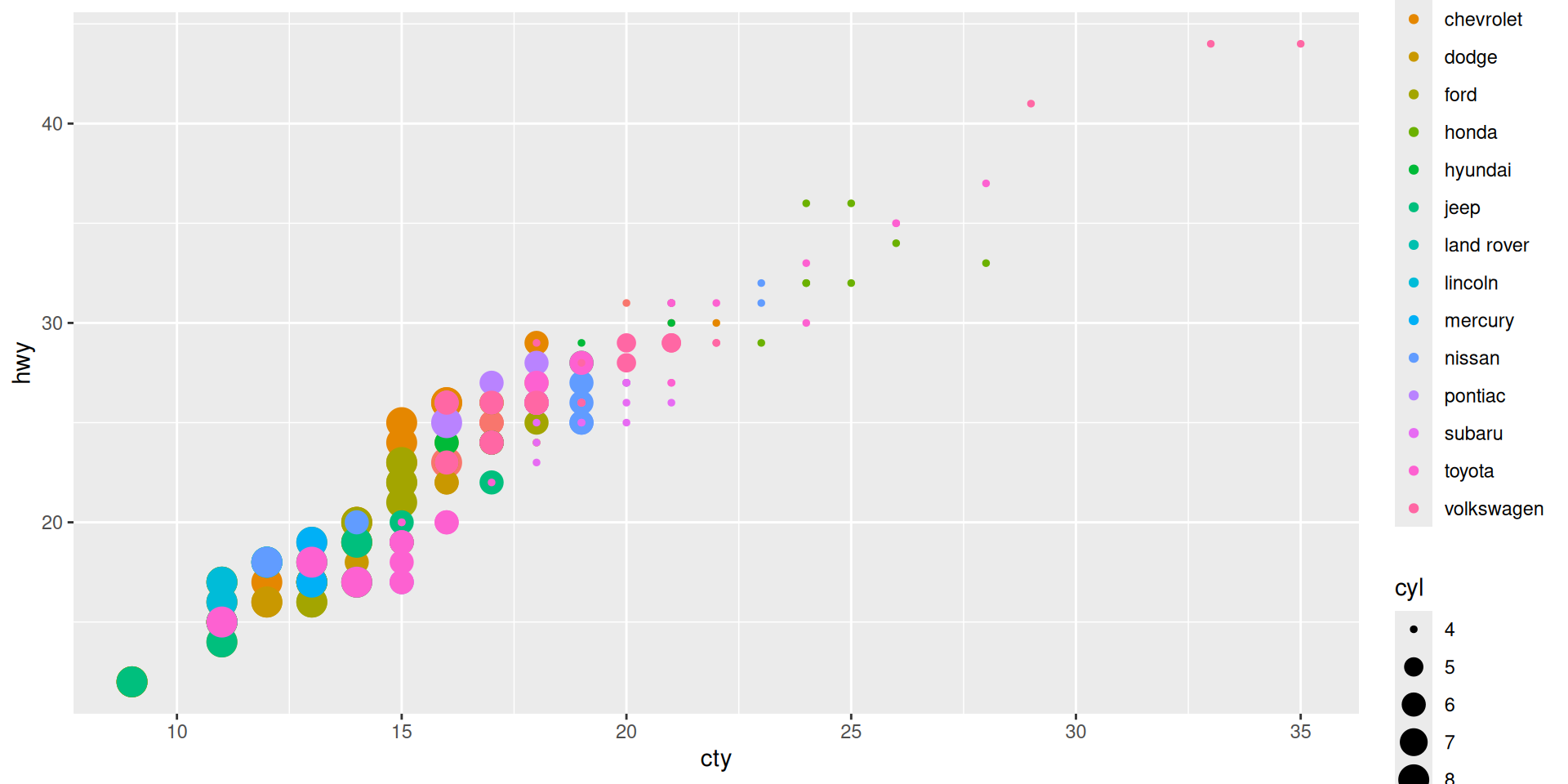
Some critique:
scale_... to modify aesthetic’s lookExample: Scale the size differently
Here, we do two new things:
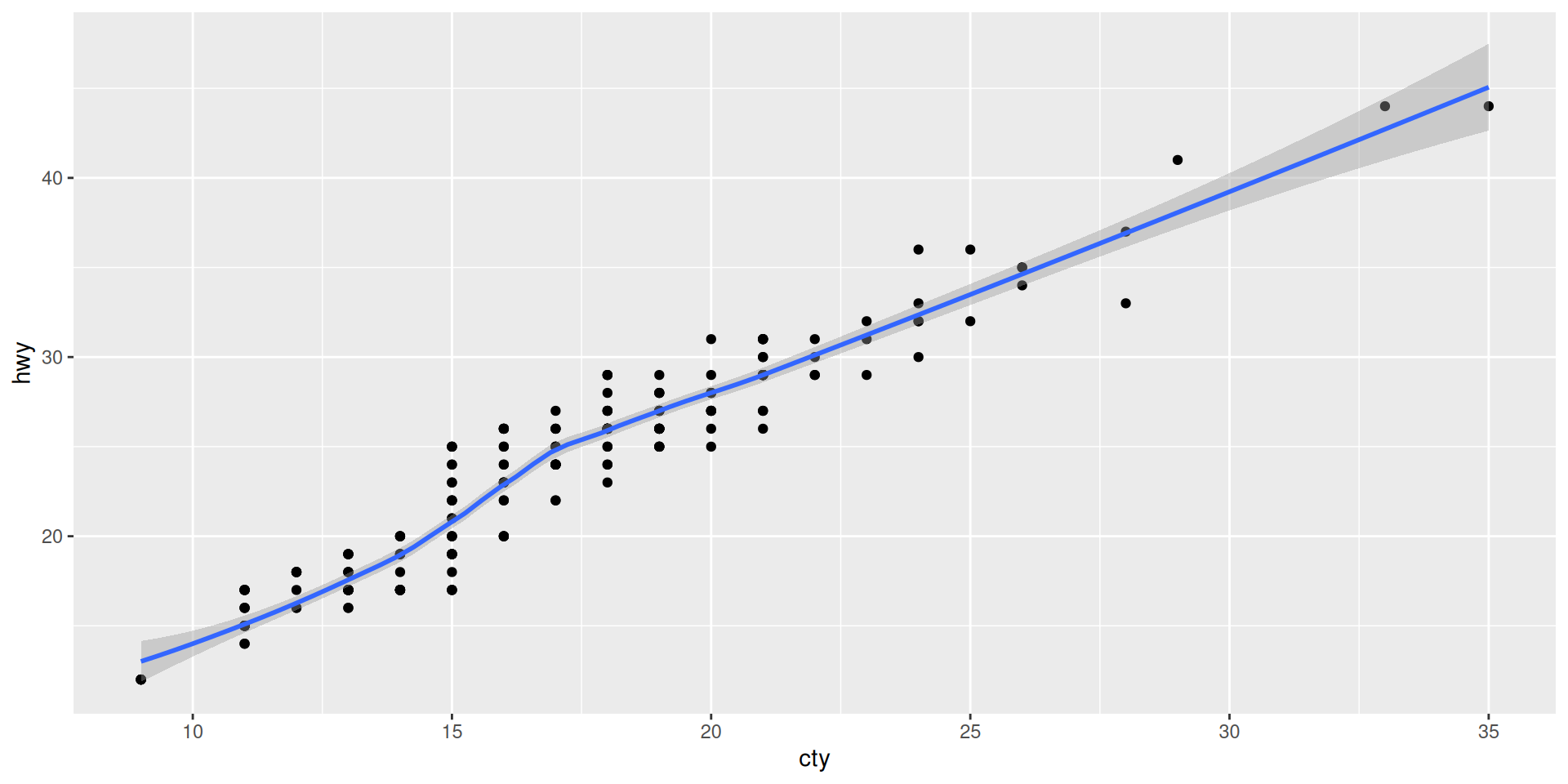
aes() command!Add a smooth line as summary statistic
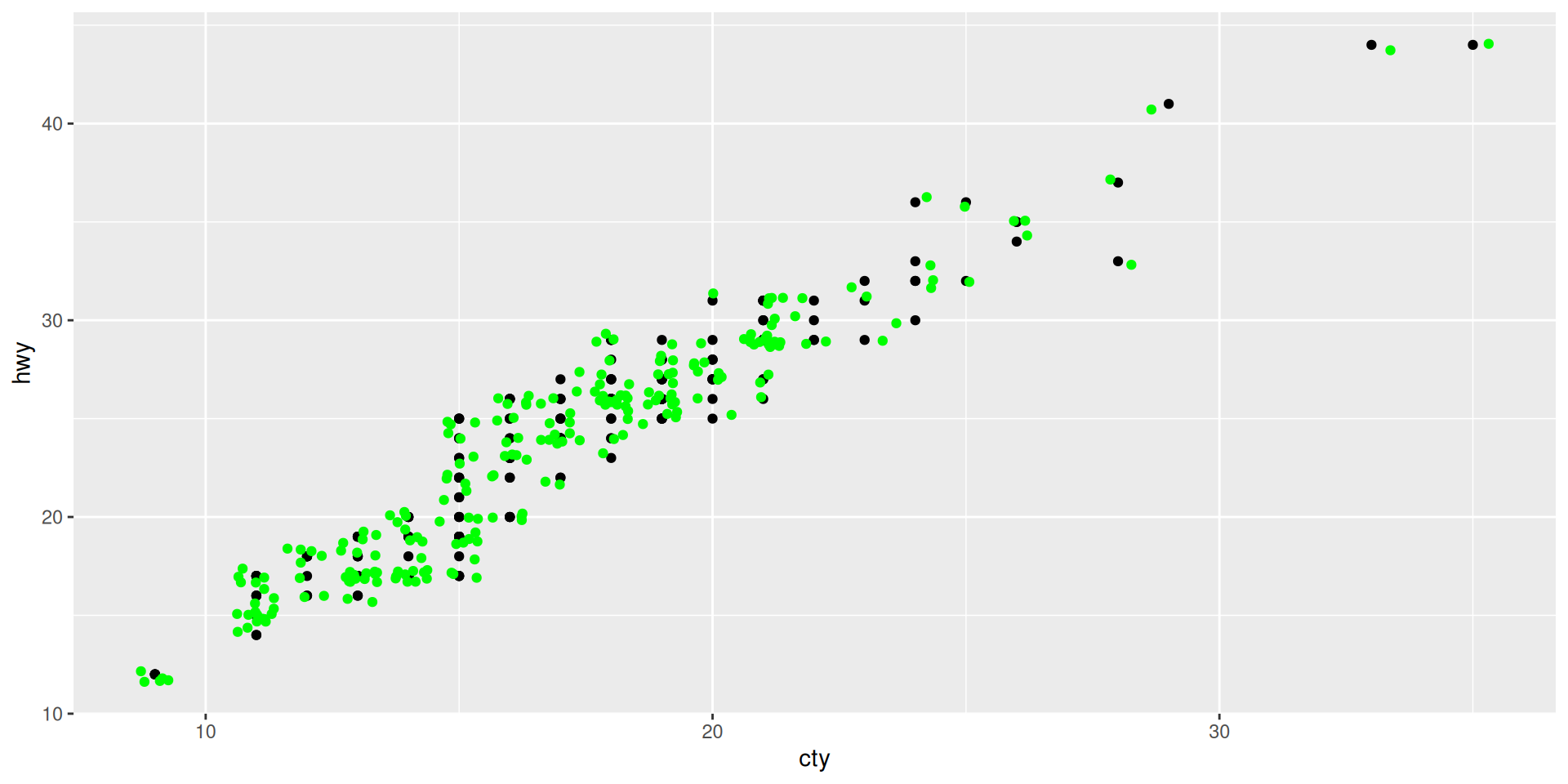
What happens here? Why does green become red???
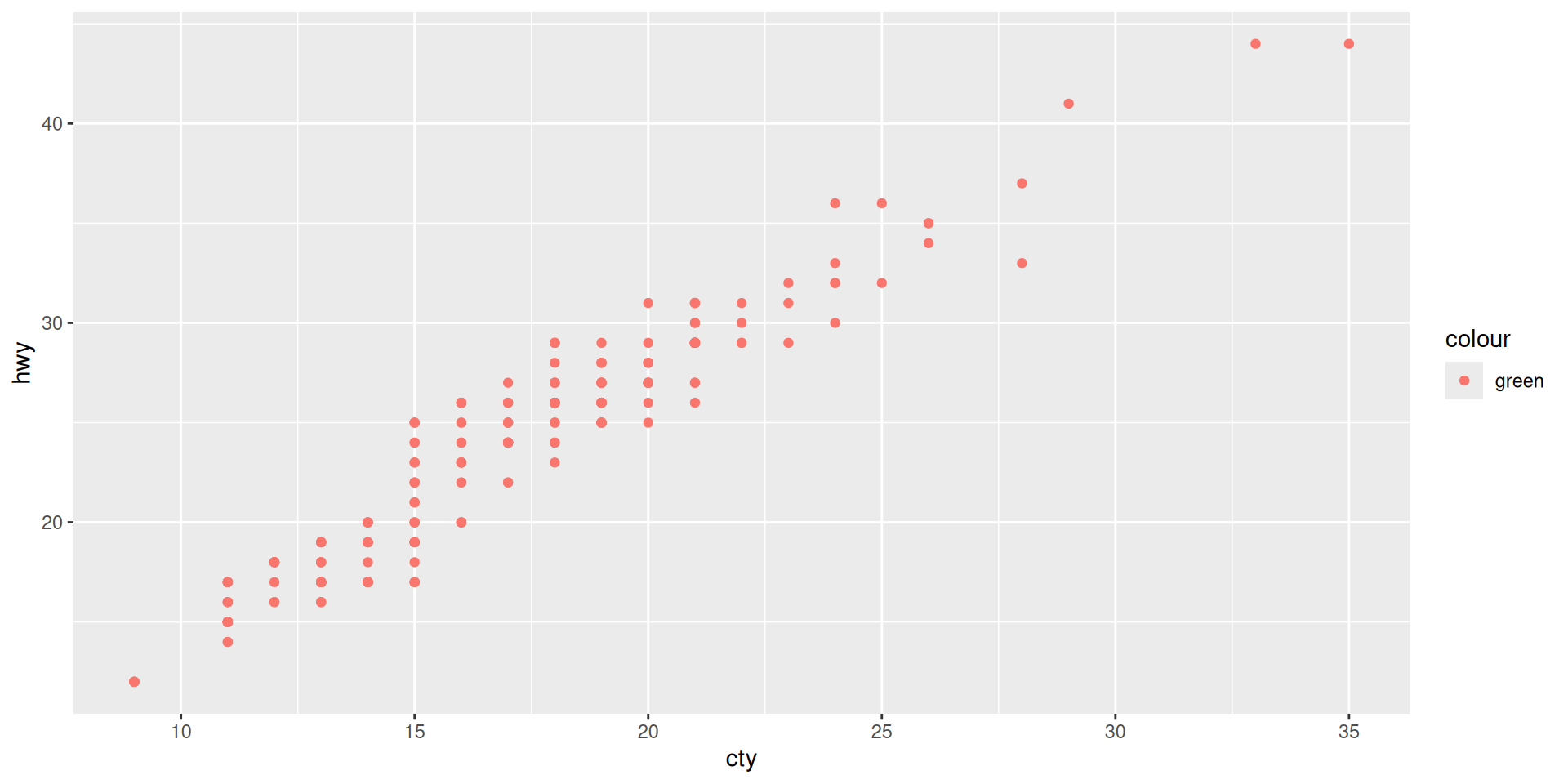
This is because “green” is taken here as a variable (with only one value for all data points).
So, “green” is not a color but a string and ggplot chooses color automatically.
This creates no output!
The graphic information is stored in the object our_plot.
As with other objects, when we write it in the console as such it provides an answer. In the case of ggplot-objects the answer is not some printed text in the console but a graphic output.
Example
Example
Example
Example
Example
Example
Example
Example
Example
Example
What about
Not possible, because stings cannot be added.
We define a and b such that their are both 0.1 mathematically.
But why is this false?
Aha, the difference is about \(2.8 \times 10^{-17}\) (The e stands for scientific notation, learn to read it!) Such problems can happen when subtracting and comparing floating point numbers!
What is tidy depends to some extent on the purpose you want to use the data for.
Let us practice the two important commands
pivot_longer
pivot_wider
pivot_longerdata_wide <- tibble(
id = 1:3,
height_2023 = c(150, 160, 170),
height_2024 = c(152, 162, 172)
)
data_wide# A tibble: 3 × 3
id height_2023 height_2024
<int> <dbl> <dbl>
1 1 150 152
2 2 160 162
3 3 170 172
data_longer <- pivot_longer(
data = data_wide,
cols = c(height_2023, height_2024),
names_to = "year",
values_to = "height"
)
data_longer# A tibble: 6 × 3
id year height
<int> <chr> <dbl>
1 1 height_2023 150
2 1 height_2024 152
3 2 height_2023 160
4 2 height_2024 162
5 3 height_2023 170
6 3 height_2024 172
|>In data wrangling it is common to do various data manipulations one after the other.
A common tool is to use the pipe to give it an ordered structure in the writing.
The basic idea is:
Put what is before the pipe |> as the first argument of the function coming after.
When do_this is a function and to_this is an object like a dataframe then
# A tibble: 6 × 3
id year height
<int> <chr> <dbl>
1 1 height_2023 150
2 1 height_2024 152
3 2 height_2023 160
4 2 height_2024 162
5 3 height_2023 170
6 3 height_2024 172
year does not look good! We want numbers.
year still a character variable!We mutate further:
# A tibble: 6 × 3
id year height
<int> <dbl> <dbl>
1 1 2023 150
2 1 2024 152
3 2 2023 160
4 2 2024 162
5 3 2023 170
6 3 2024 172
That is fine.
pivot_wider# A tibble: 3 × 3
id `2023` `2024`
<int> <dbl> <dbl>
1 1 150 152
2 2 160 162
3 3 170 172
OK, but now we have just numbers as variable names. Can we get height_ prefix back?
A small data science task often boils down to one line of code using pipes like
(For R it is one line, but we may break it into several for a better overview.)
pivot_longer) is often needed directly before a ggplot command.How can I learn all this? Practice, practice, practice, …
Do I need to learn it again for python?? Yes, but it is easier knowing the concept!
When learning, learn the concept not just get the code done!

MDSSB-DSCO-02: Data Science Concepts